

Account settings, AI & Spanish mode
What is this?
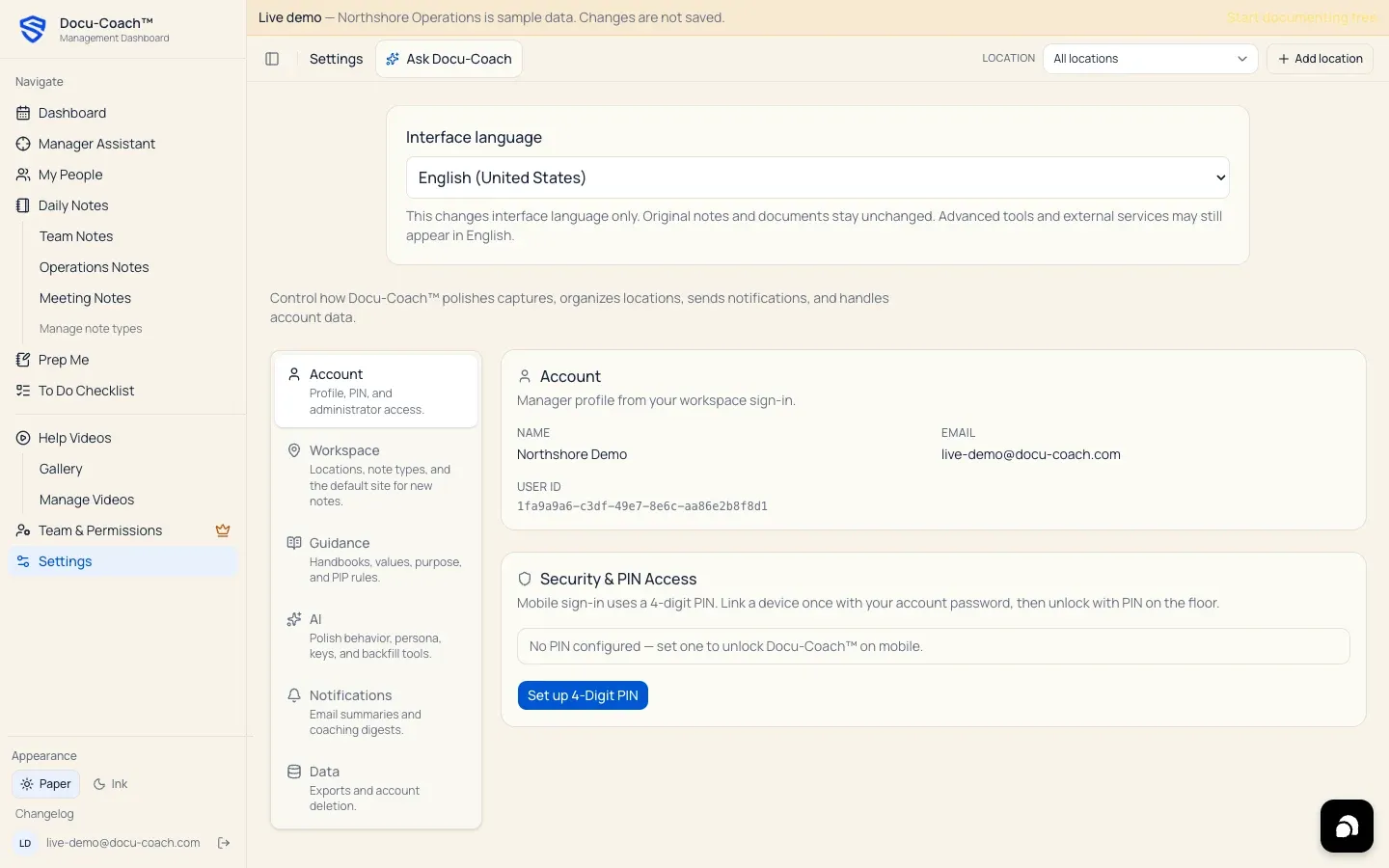
Section titled “What is this?”Settings (/admin/settings on the web and the Settings tab on iPhone) controls how Docu-Coach™ polishes your recordings, which language your interface and notes use (English or Español / Spanish mode), and which summary emails you receive.
When would I use it?
Section titled “When would I use it?”- Turning Auto-polish on or off, adding custom personal polish instructions, or running Polish recordings missing notes to backfill unpolished captures.
- Configuring a personal OpenAI API key (Bring Your Own Key) or running Test sample recording.
- Switching the web interface or iPhone app between English (
en-US) and Español (es-US). - Turning Daily summary emails or the evening Daily Coaching Digest on or off.
Where is it?
Section titled “Where is it?”- Web Management Dashboard: Click Settings in the left sidebar (
/admin/settings). - iPhone app: Tap the Settings tab in the bottom navigation bar.
How do I use it?
Section titled “How do I use it?”1. AI preferences, custom persona & backfill (Settings → AI)
Section titled “1. AI preferences, custom persona & backfill (Settings → AI)”- Open Settings → AI (
/admin/settings?tab=ai). - Auto-polish: Keep this toggle On so new recording audio and transcript text are sent to OpenAI to generate structured notes automatically. Turn it Off if you want new captures saved unpolished until you run polish manually.
- AI persona & instructions: Add optional Markdown instructions (such as site-specific shift codes, role abbreviations, or formatting rules) that layer on top of Docu-Coach™’s built-in factual persona, then click Save persona instructions. You can expand View built-in UHP persona (read-only) to inspect the base rules.
- Bring your own keys (optional): Paste a personal
sk-…OpenAI API key and click Save key if you want your account’s transcription and polish requests to use your own OpenAI key instead of the workspace default. Click Test sample recording to test a short bundled audio clip through Whisper and GPT polish. - Polish recordings missing notes: If you have recordings queued without polished notes, click Polish recordings missing notes to process up to 5 recordings per click (oldest first).
2. Language & Spanish mode (English / Español)
Section titled “2. Language & Spanish mode (English / Español)”On the web
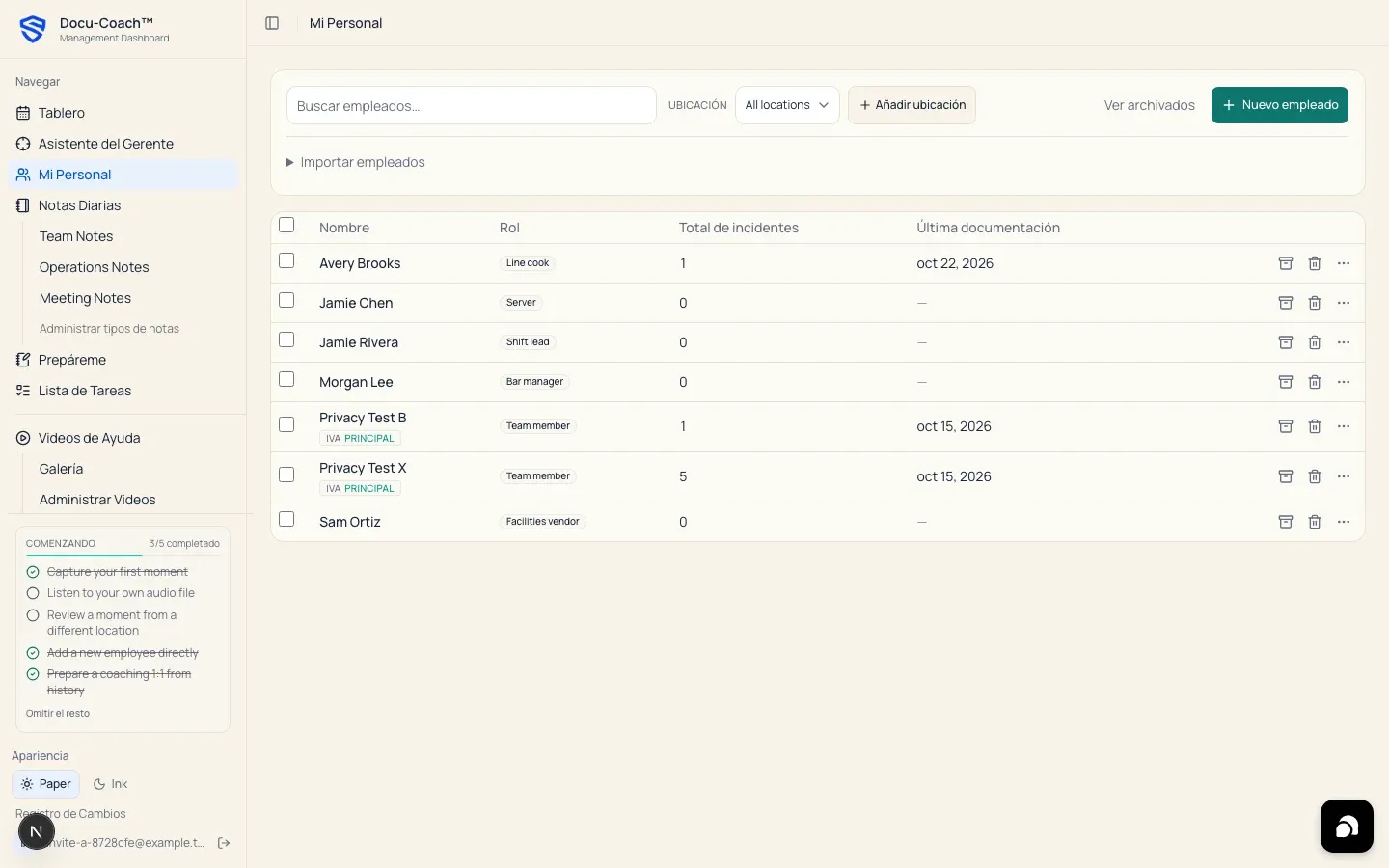
Section titled “On the web”- Use the sliding English / Español switch on the sign-in screen, or the language preference control in the app, to switch the web interface and dates between English (
en-US) and Spanish (es-US).
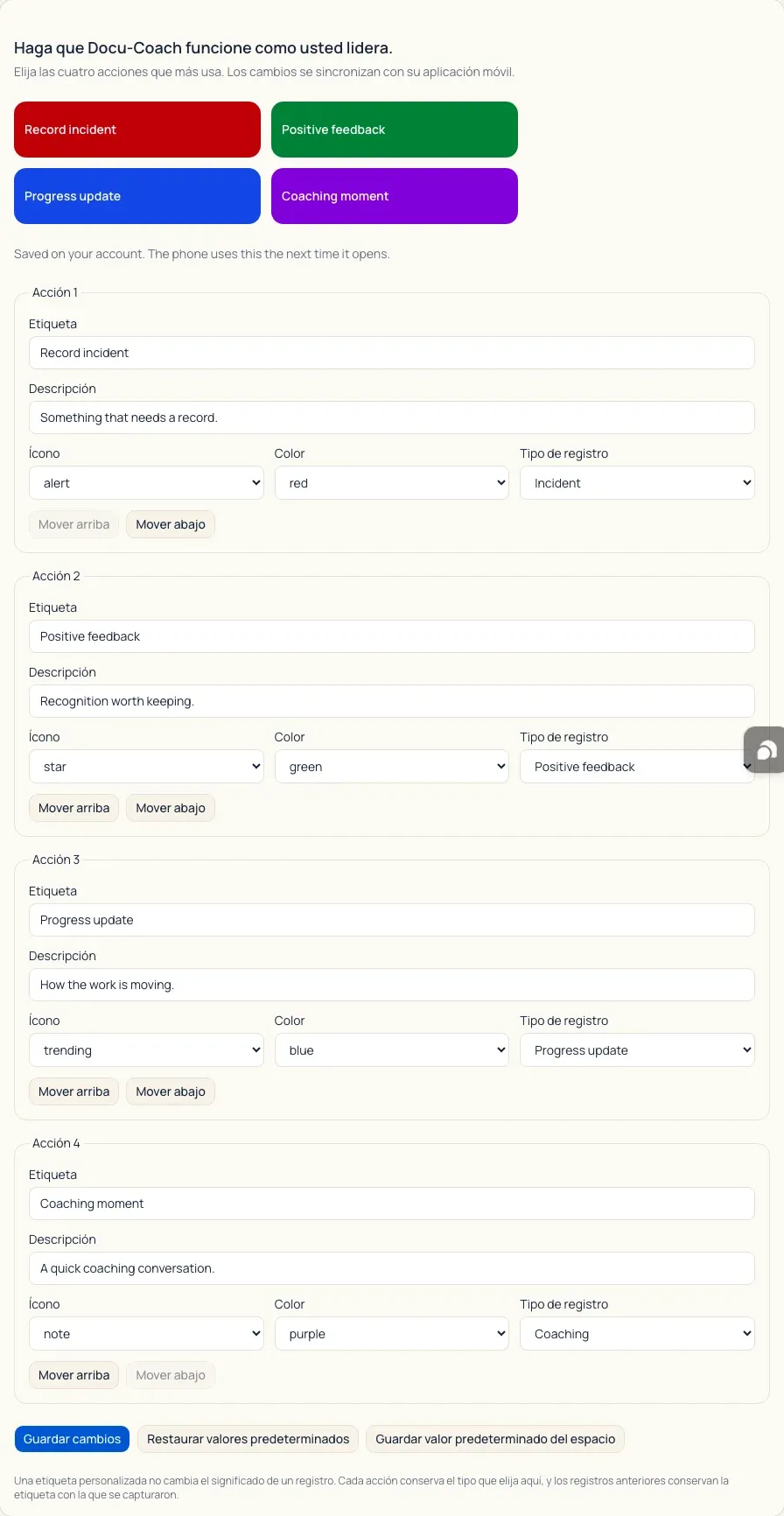
On iPhone (Enable Spanish mode)
Section titled “On iPhone (Enable Spanish mode)”- Open the Settings tab in the Docu-Coach™ iPhone app.
- Toggle Enable Spanish mode on.
- What Spanish mode does on iPhone:
- Switches the iPhone app interface chrome, navigation tabs, buttons, onboarding, and system dates to Español.
- New voice captures still auto-detect whether you speak in English or Spanish, and Spanish mode sets
es-USas your preferred written note output language (outputLanguage = es-US) for new captures. - Original transcripts and exact quoted phrases in evidence remain in their original spoken language—Docu-Coach™ never alters raw transcripts or translates saved user names.
- Turning Enable Spanish mode on or off affects new captures and UI display only; it never rewrites already-saved notes.
3. Email notifications (Settings → Notifications)
Section titled “3. Email notifications (Settings → Notifications)”- Open Settings → Notifications (
/admin/settings?tab=notifications). - Toggle either or both email summaries:
- Daily summary emails: Morning rollup of new incidents and polish activity.
- Receive Daily Coaching Digest: Evening summary of today’s shared coaching incidents for your organization (Central Time). Private (
author-scoped) records and private Daily Notes are excluded from organization digests.
What happens after I do it?
Section titled “What happens after I do it?”- Settings changes save immediately to
manager_settingsunder your account. - On iPhone, each new capture snapshots your current language preference at the moment capture starts so pending offline uploads keep the language setting they were recorded with.
Permissions, plans, and platform limitations
Section titled “Permissions, plans, and platform limitations”- Personal settings: Auto-polish, Your custom instructions, Bring your own keys, Notifications, and Spanish mode apply to your individual manager account.
What can go wrong?
Section titled “What can go wrong?”- “No recordings need polish.” When every recording you own already has a
polished_note, the Polish recordings missing notes button is disabled.