

Source citations & evidence gaps
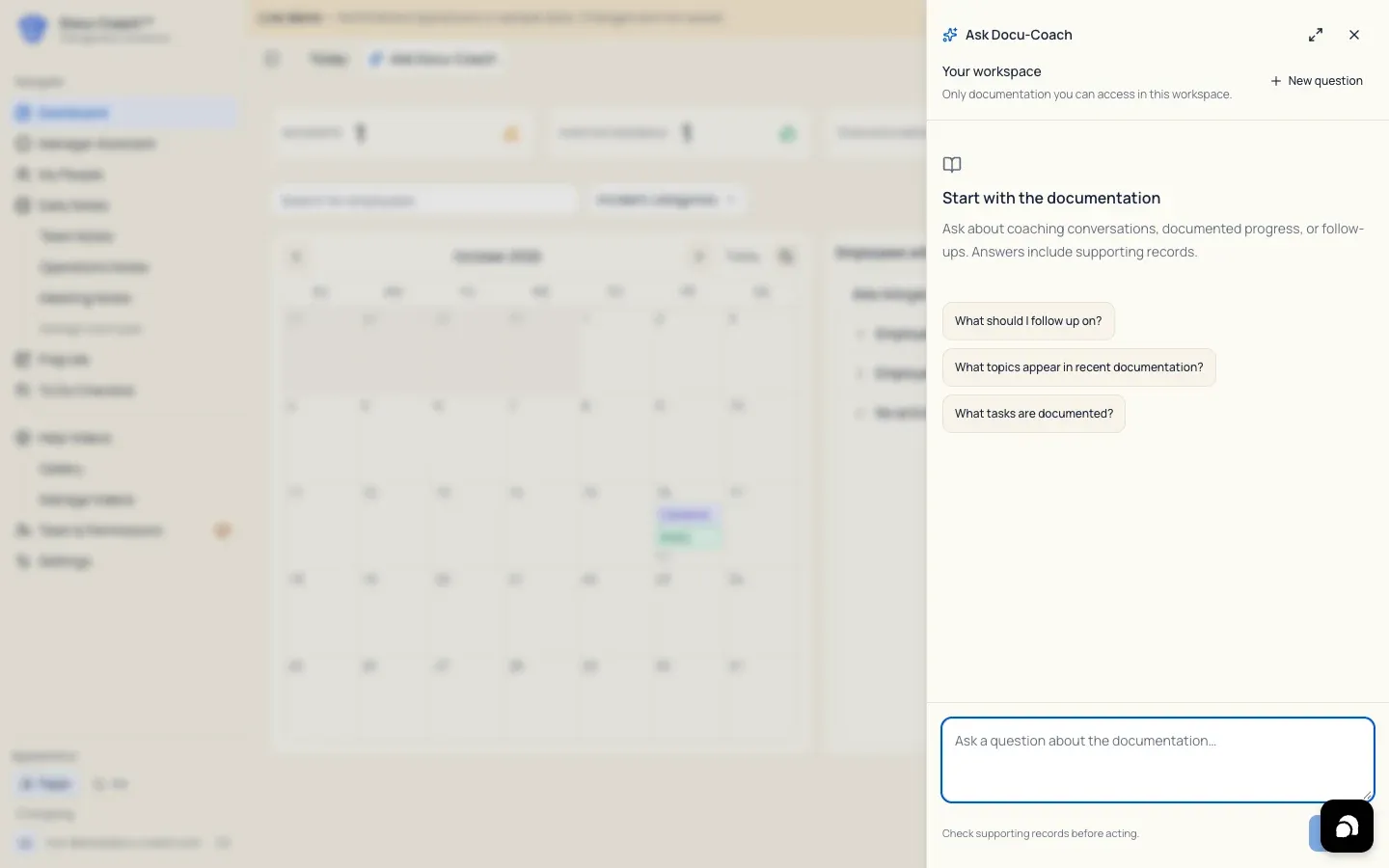
What is this?
Section titled “What is this?”Every factual statement and recommendation in Ask Docu-Coach is tied to the saved records it came from using numbered superscript citations (¹, ², ³) and explicit provenance labels. When the saved records do not cover part of your question, Ask Docu-Coach surfaces Evidence gaps instead of guessing.
When would I use it?
Section titled “When would I use it?”- Verifying the exact date and wording of a stored incident, daily note, follow-up, or task before referencing it in a conversation.
- Checking whether an answer reviewed all records in scope or a subset of narrative sources.
Where is it?
Section titled “Where is it?”- Inside every Ask Docu-Coach answer on the Web Management Dashboard and the iPhone app.
How do I use it?
Section titled “How do I use it?”Open a numbered citation
Section titled “Open a numbered citation”- In any Ask Docu-Coach answer, look for the superscript citation numbers (
¹,²,³) at the end of a sentence—or scroll to the Based on your documentation section at the bottom of the answer. - Click or tap the superscript number (or the excerpt row under Based on your documentation).
- A Source modal (on web) or sheet (on iPhone) opens over your conversation, displaying:
- The source type (Stored recording, Daily note, Follow-up, or Task)
- The record’s date and label
- The authorized excerpt from that record
- Close or dismiss the source sheet to return to your exact place in the Coaching Brief without losing your scroll position or conversation state.
Understand provenance labels and Evidence gaps
Section titled “Understand provenance labels and Evidence gaps”- Provenance labels:
- Documented: Directly stated in a saved incident, daily note, or follow-up.
- Documented commitment: A specific commitment or next step recorded in a prior note.
- Pattern: A pattern supported by multiple cited records.
- Coaching suggestion: Advisory coaching guidance synthesized from your documented records.
- Evidence gaps (
Evidence gaps · N): Expand the Evidence gaps disclosure at the bottom of the brief to see what information was not present in the reviewed records (for example, “No follow-up notes are recorded after the October 12 incident”). - Coverage indicator: When a workspace has a large volume of records and the answer reviews a narrative subset, a footer note tells you how many supporting sources were reviewed and reminds you that “Not found in reviewed records means other documentation may exist outside this selection.”
What happens after I do it?
Section titled “What happens after I do it?”- Re-verified authorization on every source click: Whenever you tap a citation (
¹), the server re-verifies that your account is still authorized to read that specific source record (/api/intelligence/sources/[kind]/[id]) before returning the excerpt.
Permissions, plans, and platform limitations
Section titled “Permissions, plans, and platform limitations”- Denied or deleted sources: If a cited record was deleted or made private by its author after the answer was generated, clicking the citation refuses access and clears stale state so unauthorized content is never shown.
- Android (
testing): In the current internal testing build of the Android companion, Ask Docu-Coach renders statement text only and does not yet display interactive citation sheets or coverage counts.
What can go wrong?
Section titled “What can go wrong?”- “This information changed. Please try again.” If underlying records were edited or deleted while you were viewing an older conversation, start a New (
+) question so Ask Docu-Coach retrieves fresh evidence.