

Healthcare teams & PHI rules
What is this?
Section titled “What is this?”Nurse managers, clinic supervisors, unit directors, and healthcare operations leaders use Docu-Coach™ to manage their staff—capturing shift handoffs, staffing coverage, coaching conversations, recognition, and 1:1 preparation.
However, healthcare leaders must follow a strict boundary regarding Protected Health Information (PHI) and patient details.
The Healthcare & PHI Boundary
Section titled “The Healthcare & PHI Boundary”- Docu-Coach™ is for employee management documentation, not patient records. Use it for staff performance, scheduling/coverage notes, workplace safety, unit operations, and coaching—never as a clinical chart or patient log.
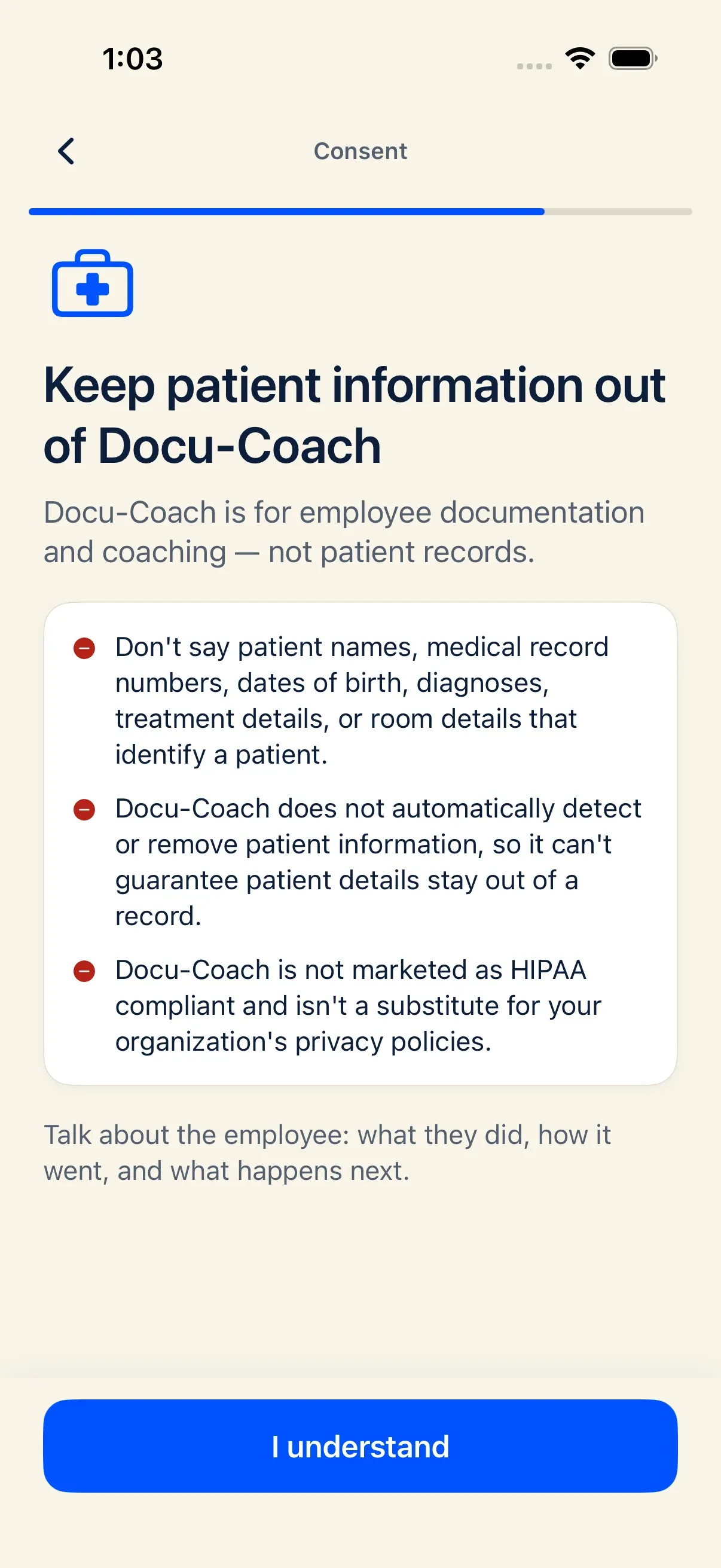
- Docu-Coach™ is not marketed as HIPAA compliant and does not claim SOC 2 certification.
- Docu-Coach™ does not automatically detect, redact, or remove patient information. You are responsible for keeping patient information out of your voice recordings and written notes.
What you must NEVER include in a recording or note
Section titled “What you must NEVER include in a recording or note”Keep all patient identifiers and clinical details out of Docu-Coach™:
- Patient names, initials, or room/bed numbers tied to a patient
- Medical record numbers (MRNs), account numbers, or dates of birth
- Diagnoses, symptoms, medications, lab results, or treatment details
- Patient family member names or contact details
How to frame healthcare management notes safely
Section titled “How to frame healthcare management notes safely”Focus strictly on the employee’s observable workplace behavior, operational standard, or staffing action:
| Instead of saying (Contains PHI — Do Not Use) | Say this (Employee & Operations Focus — Safe) |
|---|---|
| “Followed up with Jordan because Mr. Smith in 402 with CHF didn’t get his 08:00 Lasix on time.” | “Followed up with Jordan regarding the 08:00 medication pass window on the 4th-floor unit and reviewed the double-check protocol.” |
| “Recognized Maya for de-escalating Jane Doe’s family in Exam Room 3 after her biopsy.” | “Recognized Maya for calm, empathetic communication when de-escalating an upset visitor in the clinic waiting area.” |
Where healthcare reminders appear in the product
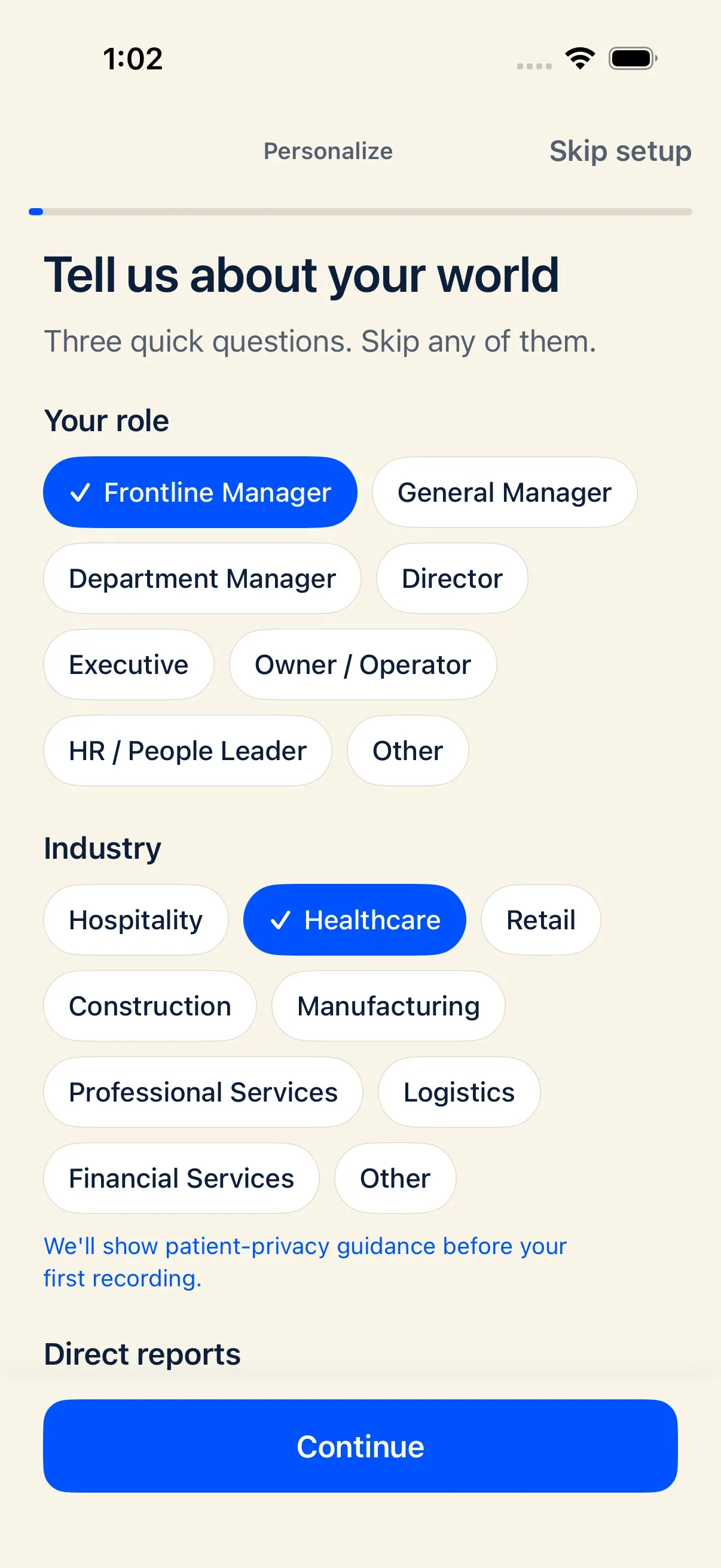
Section titled “Where healthcare reminders appear in the product”- iPhone Onboarding: When you select Healthcare as your industry during onboarding, Docu-Coach™ displays a dedicated reminder screen before your first practice recording explaining that Docu-Coach™ is not HIPAA compliant and does not detect or remove patient information.
- Web Settings → Workspace → Note Types: When Healthcare is selected as your Note Types industry, the card displays the healthcare PHI warning and offers staff-only category presets (Shift Handoff, Staffing, Unit Operations, Safety Observations, Facilities, and Leadership Huddle) with non-clinical descriptions.