

What is Docu-Coach™?
What is this?
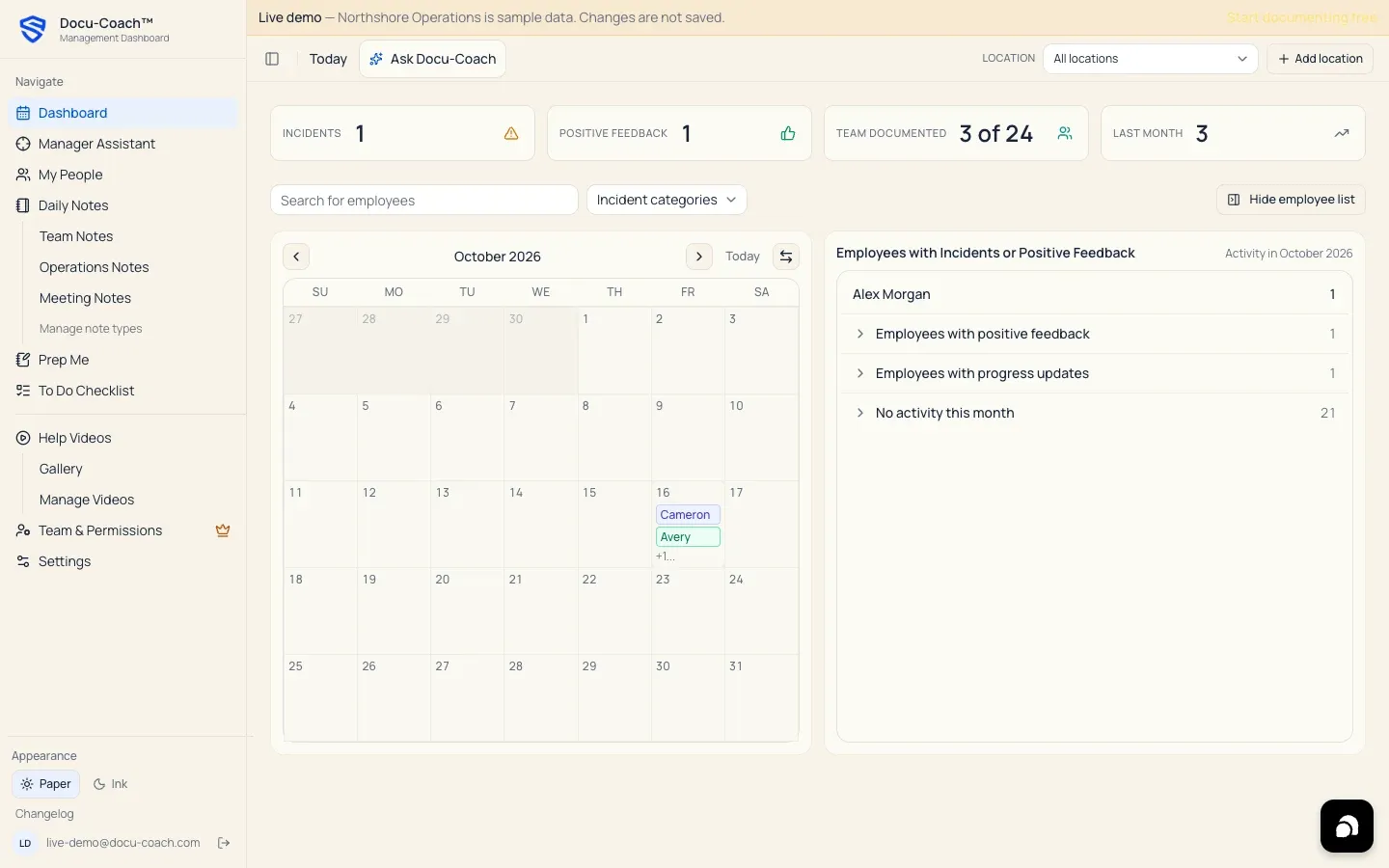
Section titled “What is this?”Docu-Coach™ is an AI-powered Manager Memory System™ that helps managers capture what happens with their people, preserve it as structured management history, and turn that context into better coaching, recognition, follow-ups, 1:1s, performance conversations, and HR-ready documentation.
Born in restaurants. Built for every manager. Whether you lead a restaurant, hotel, retail store, construction crew, healthcare unit, property team, call center, grocery department, or general operations team, Docu-Coach™ remembers what happened so you can focus on what happens next.
When would I use it?
Section titled “When would I use it?”Use Docu-Coach™ whenever a moment happens on the floor or in a meeting that you cannot afford to forget two weeks later:
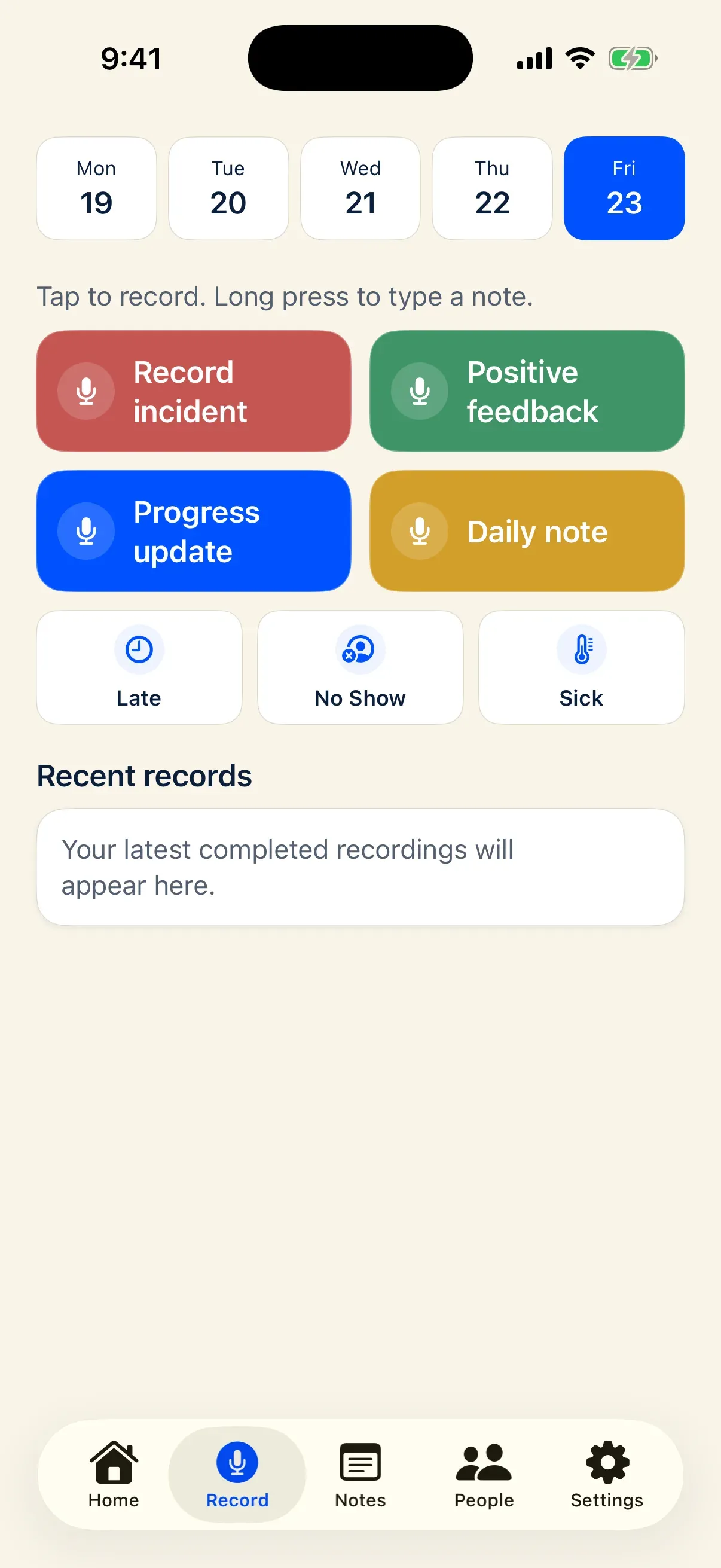
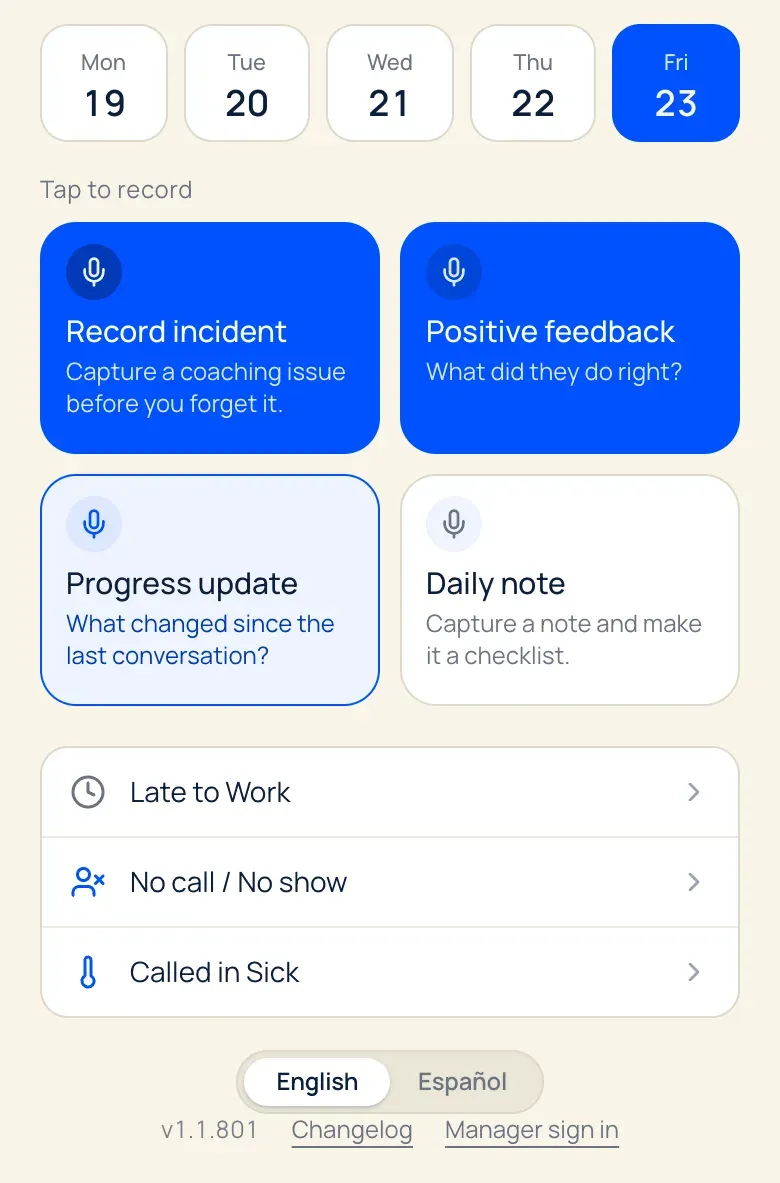
- A coaching conversation or workplace incident (Record incident)
- A moment of strong execution worth recognizing (Positive feedback)
- An update on an ongoing goal or skill (Progress update)
- A private shift handoff, pre-shift huddle, or operational reminder (Daily note)
- A quick Late, No Show, or Sick attendance event
- Preparing for a 1:1, team huddle, leadership meeting, or HR review
How Docu-Coach™ fits alongside your HRIS
Section titled “How Docu-Coach™ fits alongside your HRIS”Docu-Coach™ works alongside HRIS and payroll systems rather than replacing them. It does not replace payroll, the official employee record, benefits, or formal HR administration:
- Your HRIS knows who works here. Docu-Coach™ remembers what happened.
- The HRIS keeps the official employee record. Docu-Coach™ keeps the management context behind it.
- Performance systems manage review cycles. Docu-Coach™ captures the important moments between them.
Native HRIS integrations (Workday, Rippling, BambooHR, ADP, and others) are planned and are not available today. Docu-Coach™ exports Word (.docx), PDF, and CSV records on eligible plans so you can file them in your HRIS whenever needed.
How it works: Capture. Remember. Coach™
Section titled “How it works: Capture. Remember. Coach™”- Capture — Tap one of the four capture actions in the native iPhone app or web recorder to speak a voice note in your own words, or long-press to type a note quietly.
- Remember — When AI processing is enabled, Docu-Coach™ transcribes your voice note, polishes it into a structured record using the FACTS Framework (Facts, Action, Context, Timeline, Support), extracts follow-up tasks, and files the dated record on the person’s timeline or in your private Daily Notes.
- Coach — Before your next conversation, use Prep Me, Ask Docu-Coach, HR Ready, or PIP Builder to review the person’s real history, spot patterns, and prepare clear talking points.
Where is it?
Section titled “Where is it?”Docu-Coach™ is available on:
- Web app (
live): Any desktop, tablet, or phone browser athttps://www.docu-coach.com. Desktop and tablet browsers (768pxwidth or wider) open the full Management Dashboard (/admin/dashboard); mobile browsers open the floor recorder (/record). - Native iPhone app (
live): The native SwiftUI 2.0+ iPhone companion app for fast floor capture, offline queueing, history review, To-Dos, People, and Ask Docu-Coach. - Android app (
testing): The native Kotlin/Jetpack Compose Android companion is currently in internal testing and is not yet generally available. Android users can use the web app in their mobile browser today.
Permissions, plans, and platform limitations
Section titled “Permissions, plans, and platform limitations”- Employee privacy: Employees do not get access to notes about them because they are on a roster. If a manager is also linked to their own employee record in Team & Permissions, coaching notes written about them are permanently hidden from their account.
- Daily Notes privacy: Daily Notes are always private to the manager who recorded them.
- Plans: New accounts can start on the Free plan (up to 2 active people) or start a 30-day Manager trial with no card required.