

Glossary & capability status
Docu-Coach™ Glossary
Section titled “Docu-Coach™ Glossary”AI-powered Manager Memory System™ (Manager Memory System™) — What Docu-Coach™ is: the system that helps managers capture what happens with their people, preserve it as structured management history, and turn that context into coaching, recognition, follow-ups, 1:1s, and HR-ready documentation alongside an HRIS.
Management Context Layer — Strategic concept describing where Docu-Coach™ fits in the workplace technology stack alongside HRIS and payroll systems.
FACTS Framework — How Docu-Coach™ structures useful management records: Facts, Action, Context, Timeline, and Support.
Record incident — One of the four default capture actions; creates an employee record (record_kind = incident) for a coaching conversation, workplace event, or policy issue.
Positive feedback — One of the four default capture actions; creates a recognition record (record_kind = positive_feedback) on an employee’s timeline.
Progress update — One of the four default capture actions; creates a check-in record (record_kind = progress_update) tracking an employee’s progress after prior coaching or goals.
Daily note — One of the four default capture actions; creates a private manager shift, operational, or meeting note (daily_notes) that is visible only to the author and never attached to an employee profile.
Note Types — Customizable categories under Daily Notes (configured in Settings → Workspace → Note Types). Includes built-in Team Notes, Operations Notes, and Meeting Notes, plus industry-suggested and custom categories (up to 24).
Capture actions — The four large buttons on your phone’s Record screen. Configurable in Settings → Capture (custom label, description, icon, color, order, and mapped record type).
Unassigned (Assign later) — An employee recording saved without linking a person yet. Preserves the audio and note immediately so you can assign the employee later.
Attendance quick actions — The Late, No Show, and Sick buttons beneath the capture grid on the Record screen that write dated entries to attendance_events without recording audio.
Employee Command Center — An employee’s full profile page on the web (/admin/employees/[id]) containing their incident heatmap, 1:1 Coaching Session Builder, PIP Builder, chronological record timeline, follow-up threads, audio player, and document dropzone.
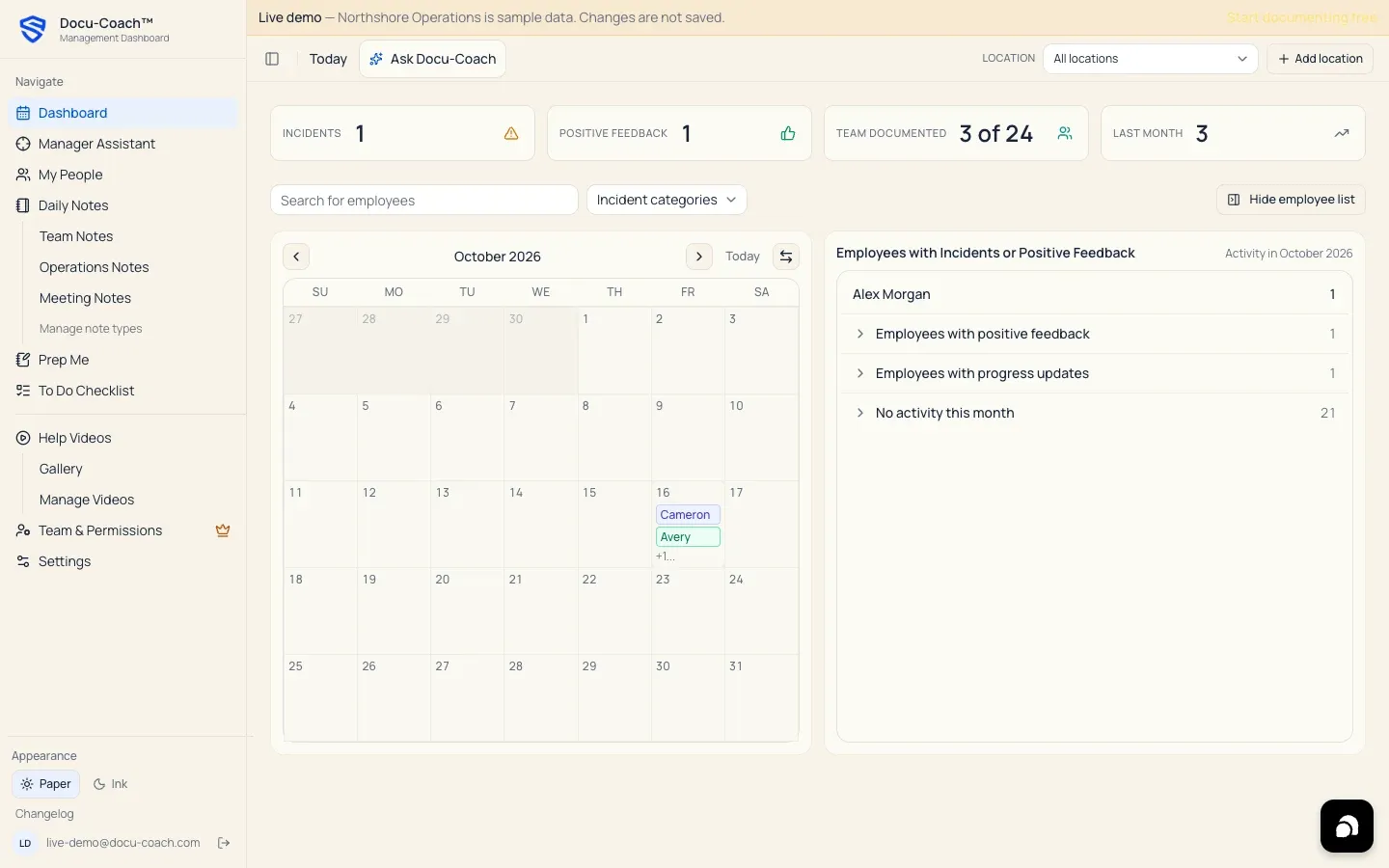
Manager Assistant / HR Center — The operational triage dashboard (/admin/command-center) showing Conversations owed, Critical · 7d, Documented %, Open 1:1s, PIP cases, Recordings, the Team Health Strip, and the Do today action queue.
Prep Me — Deterministic briefing tool (/admin/prep-me) that compiles your saved records and follow-up notes for a 1:1, Coaching follow-up, Recognition check-in, Team huddle, or Leadership meeting.
HR Ready — Deterministic chronology view (/admin/employees/[id]/hr-ready) that organizes an employee’s snapshot, factual chronology, prior coaching, positive context, progress updates, commitments, follow-ups, PIP documents, and gaps to verify.
PIP Builder — Tool inside the Employee Command Center for drafting, editing, tracking check-ins on, and exporting a Performance Improvement Plan (pip_cases).
Ask Docu-Coach — The intelligence interface for asking questions across your workspace, an employee profile, or a single recording, returning a Coaching Brief with Coach’s take, Try saying this (with Softer, More direct, and More supportive tone rewrites), Questions to ask, Your next move, numbered citations (¹, ²), and Evidence gaps.
Record sharing — Controls (Settings → Record sharing on iPhone and /admin/sharing on web) showing which of your authored records are Shared with your organization (organization) versus Private to you (author).
Location & Recording prefix — A physical site or department in your organization (Settings → Workspace → Locations). Each location can define a 1–5 letter uppercase prefix (such as NSH-100001) for sequential incident reference codes.
Admin / Corporate trainer / Observer — Organization member roles in Team & Permissions (/admin/team).
Paper / Ink — Docu-Coach™’s two visual themes: Paper (warm light theme) and Ink (navy dark theme).
Spanish mode (Enable Spanish mode) — Setting on iPhone (Settings → Enable Spanish mode) and language toggle on web (English / Español) that localizes the UI and sets es-US as the preferred written note output language for new captures while preserving original transcripts.
Capability & Platform Lifecycle Status
Section titled “Capability & Platform Lifecycle Status”In accordance with Docu-Coach™’s canonical positioning contract (apps/web/lib/brand/canonical-positioning.ts), here is the verified status of capabilities, platforms, and integrations today:
Platforms
Section titled “Platforms”| Platform | Status | Notes |
|---|---|---|
| Web app (desktop, tablet & mobile browser) | live |
Full Management Dashboard (/admin/*) and mobile floor recorder (/record) |
| Native iPhone app (SwiftUI 2.0+) | live |
Native iOS capture, offline queue, Notes/To-Dos, People, Ask Docu-Coach, Settings |
| Android app (Kotlin / Jetpack Compose) | testing |
In internal testing; not yet generally available on Google Play |
Capabilities & Integrations
Section titled “Capabilities & Integrations”| Feature / Integration | Status | Notes |
|---|---|---|
| Voice & typed capture, Person timelines, Follow-ups, Recognition, Prep Me, HR Ready, Ask Docu-Coach, PIP Builder, FACTS Framework, Locations, Note Types, Record sharing, Teams administration | live |
Available in production today |
Word (.docx) and PDF exports |
live |
Included on Manager (and 30-day trial) and Teams plans |
| Native HRIS integrations (Workday, Rippling, BambooHR, ADP, etc.) | planned |
Not available today; export Word, PDF, or CSV records to file in your HRIS |
| Docu-Coach™ MCP server | planned |
On the roadmap; not available today |
| Organization audit history & configurable retention controls | unverified |
Not available as a published feature today |