

Recognition & positive context
What is this?
Section titled “What is this?”Docu-Coach™ treats Positive feedback as a first-class record alongside incidents and progress updates. Capturing specific moments of strong execution, teamwork, or guest/customer recovery builds a balanced management history so 1:1s and reviews are grounded in real examples—not just recent mistakes.
When would I use it?
Section titled “When would I use it?”- An employee handled a difficult customer or rush smoothly.
- A team member stepped up to train a peer or cover a critical station.
- You want to make sure your next 1:1 or performance review includes concrete praise with dates and details.
Where is it?
Section titled “Where is it?”- Capture: The green Positive feedback button on the Record screen (iPhone and mobile web).
- Dashboard KPI & monthly list: The Positive Feedback KPI card and Employees with positive feedback list on Dashboard (
/admin/dashboard). - Employee timeline: Highlighted as Positive feedback on the Employee Command Center (
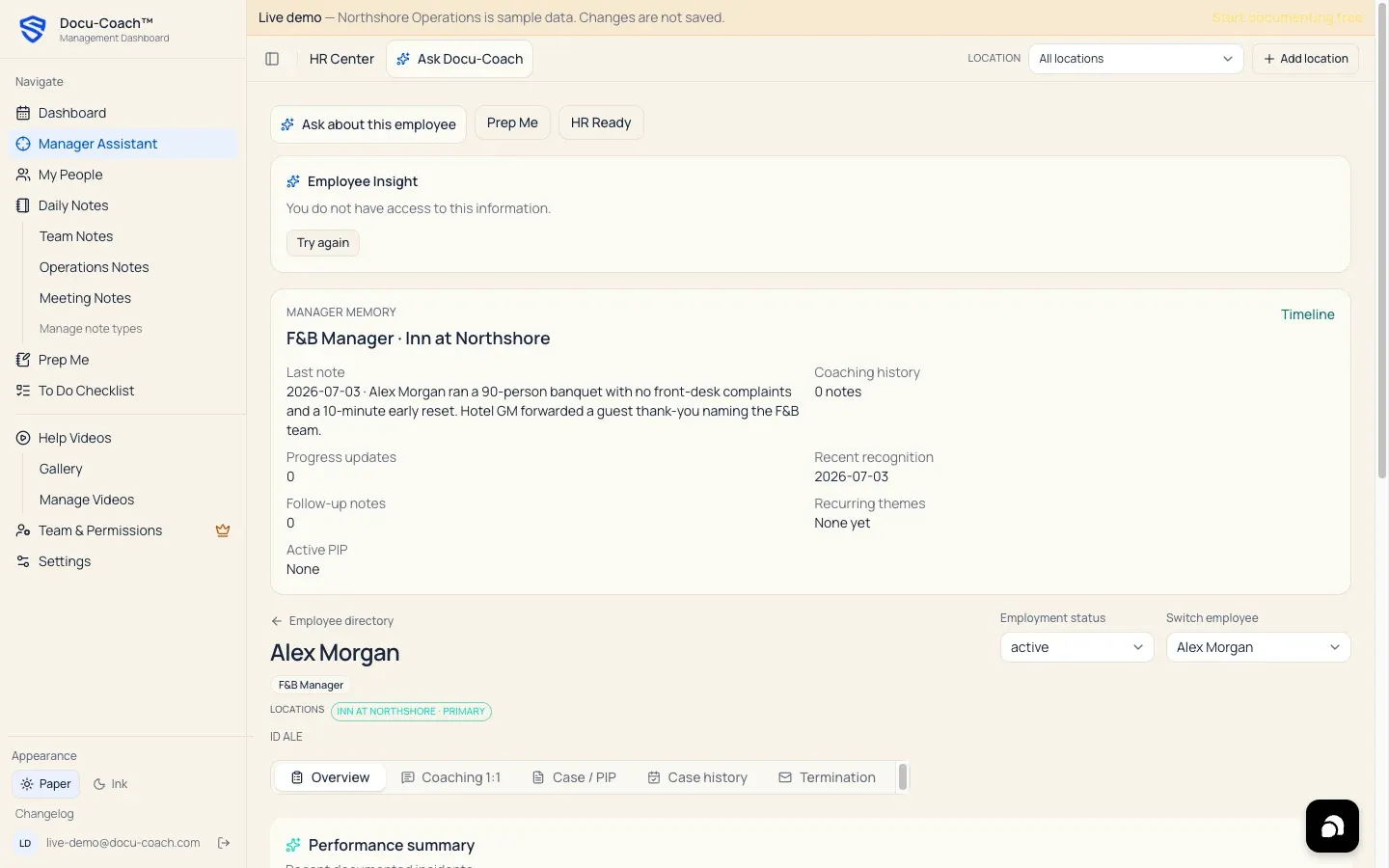
/admin/employees/[id]) and in the Positive context section of HR Ready and Prep Me.
How do I use it?
Section titled “How do I use it?”- Tap the green Positive feedback button on the Record screen (or long-press to type).
- State who the recognition is for, what they did well, and the impact it had on the shift, team, or customer.
- Tap Stop, select the employee from your roster, and save.
- Before your next check-in with that employee, open Prep Me (and choose Recognition check-in or 1:1) or open their Employee Command Center to review their positive notes.
What happens after I do it?
Section titled “What happens after I do it?”- The record is stored with
record_kind = positive_feedback(is_positive_feedback = true) and polished into a clear recognition note. - On the Management Dashboard, the Positive Feedback counter increments for the month.
- In HR Center (
/admin/command-center), your team’s positive-to-coaching ratio is factored into team health summaries. - In HR Ready (
/admin/employees/[id]/hr-ready), all positive feedback records for that employee are compiled under Positive context so HR and leadership see the complete record.
Permissions, plans, and platform limitations
Section titled “Permissions, plans, and platform limitations”- Included on every plan: Positive feedback capture and recognition history are included on Free, Manager, and Teams.
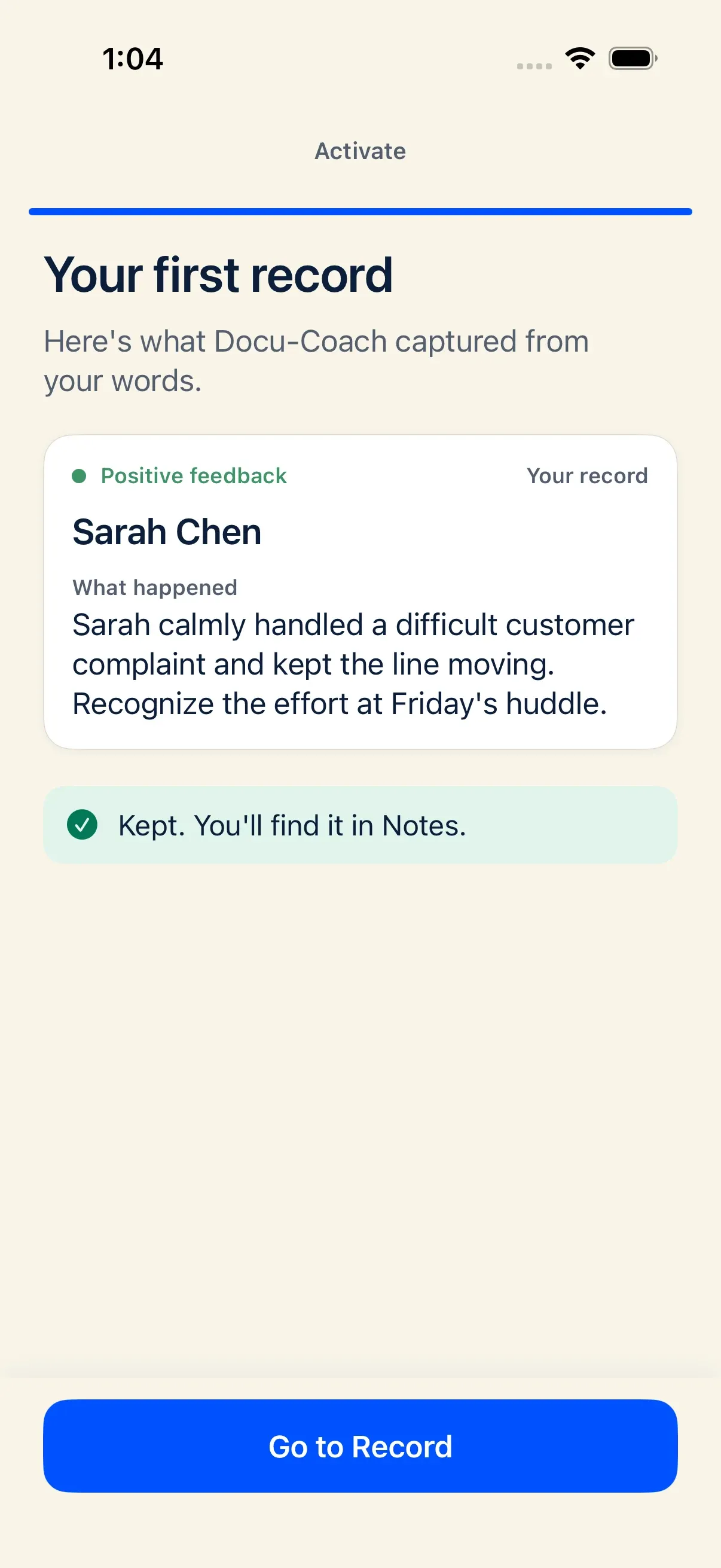
- Practice recording during iPhone onboarding: When you complete the optional practice recording during iPhone onboarding, Docu-Coach™ uses a Positive feedback capture and lets you choose at the end whether to Keep or Delete that practice note.
What can go wrong?
Section titled “What can go wrong?”- Saved a positive note as an Incident by mistake: Open the employee’s profile in the People tab on iPhone, tap the recording, and switch its type from Incident to Positive feedback.