

Docu-Coach™ for Android (Testing)
What is this?
Section titled “What is this?”Docu-Coach™ for Android is a native Kotlin and Jetpack Compose companion app modeled on the native SwiftUI iPhone app.
Current Availability Status (
testing): The native Android app is currently in internal testing and is not yet generally available on Google Play. Until public release, Android users can use the live Docu-Coach™ web application in any mobile browser athttps://www.docu-coach.com/record.
When would I use it?
Section titled “When would I use it?”- You are participating in internal testing of the native Android APK/bundle, or you are an Android user looking for how to capture notes on your phone today.
How to use Docu-Coach™ on an Android phone today (Live Web App)
Section titled “How to use Docu-Coach™ on an Android phone today (Live Web App)”- Open Chrome (or any modern mobile browser) on your Android phone and go to
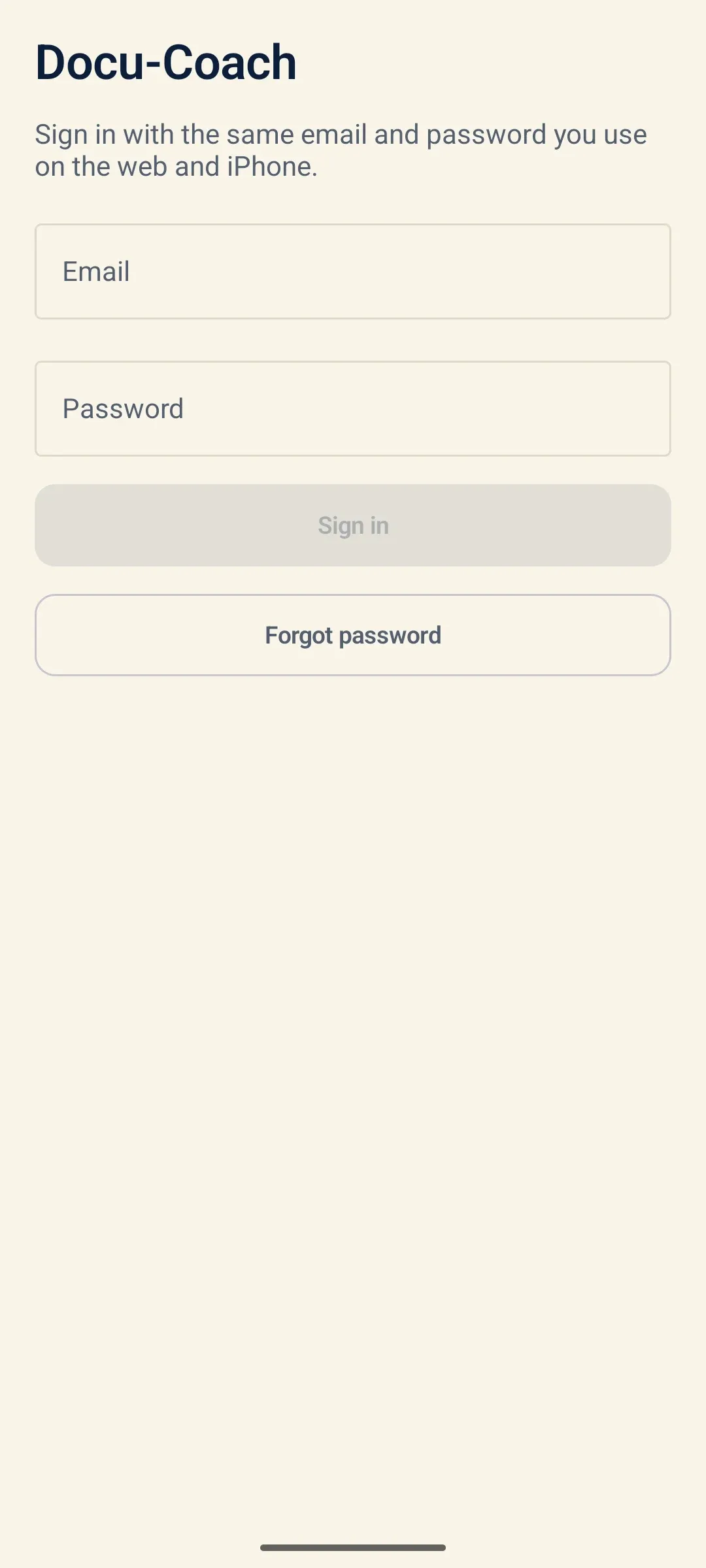
https://www.docu-coach.com/login. - Sign in with your Docu-Coach™ email and password (or unlock with your 4-digit mobile PIN).
- You will land on the mobile floor recorder (
/record), where you can record voice notes, log attendance, check your To-Do list, and review Daily Notes. You can also tap Add to Home Screen in your browser menu for one-tap launch.
What is in the native Android companion (testing)
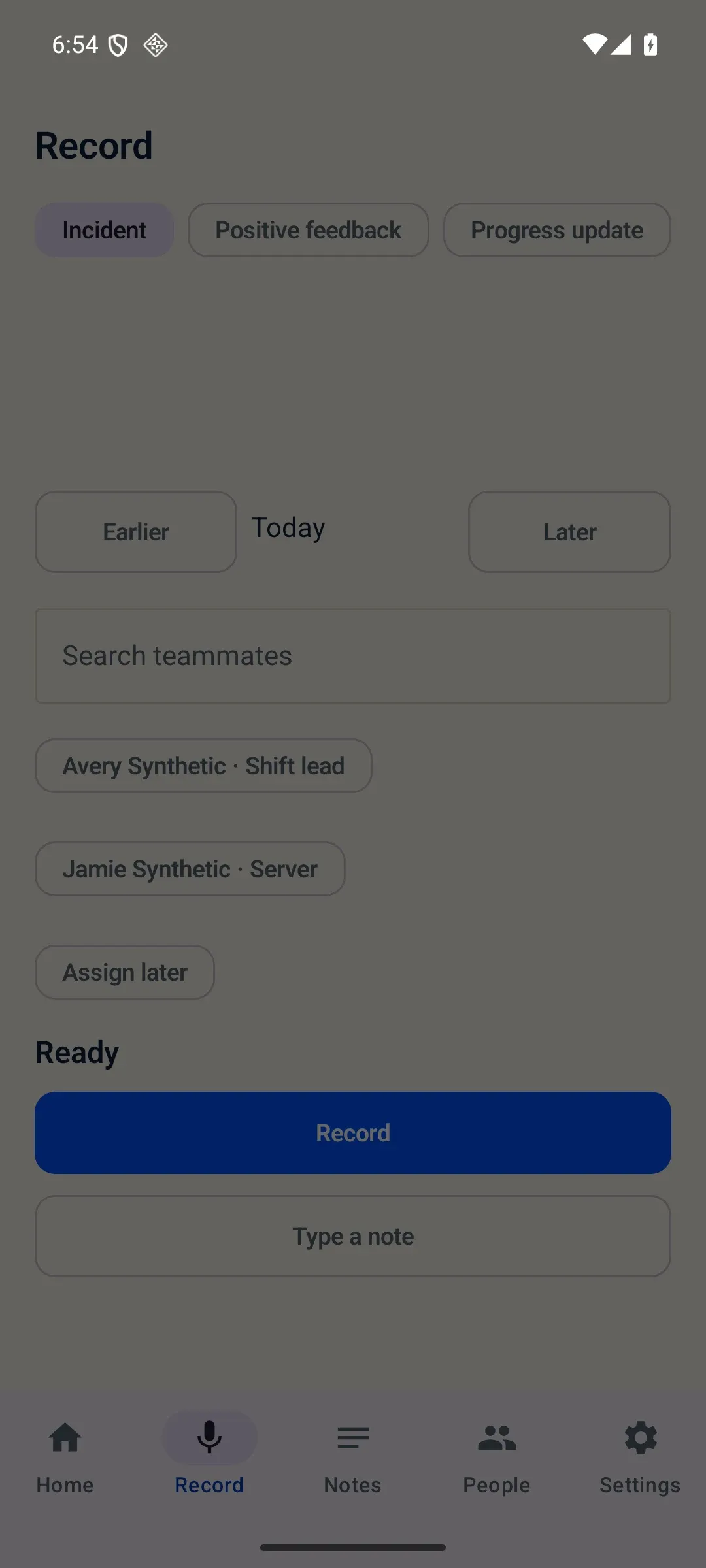
Section titled “What is in the native Android companion (testing)”The native Android companion (com.docucoach.android, Kotlin + Jetpack Compose + Material 3) implements the five-tab mobile structure (Home, Record, Notes, People, Settings) with Record as the launch tab:
- Sign in & encrypted session: Signs in with the same email and password as web and iPhone, storing the session in
EncryptedSharedPreferencesbacked by the Android Keystore. - Local-first recording queue: Records MPEG-4 AAC (
.m4a) via a foreground microphone service (RecordingService) and persists upload jobs in a local Room database (upload_jobs) beforeWorkManageruploads them. - Capture actions & typed notes: Supports Record (voice) and Type a note, log-day backdating (Earlier / Today / Later), employee assignment or Assign later, and Late / No Show / Sick attendance logging.
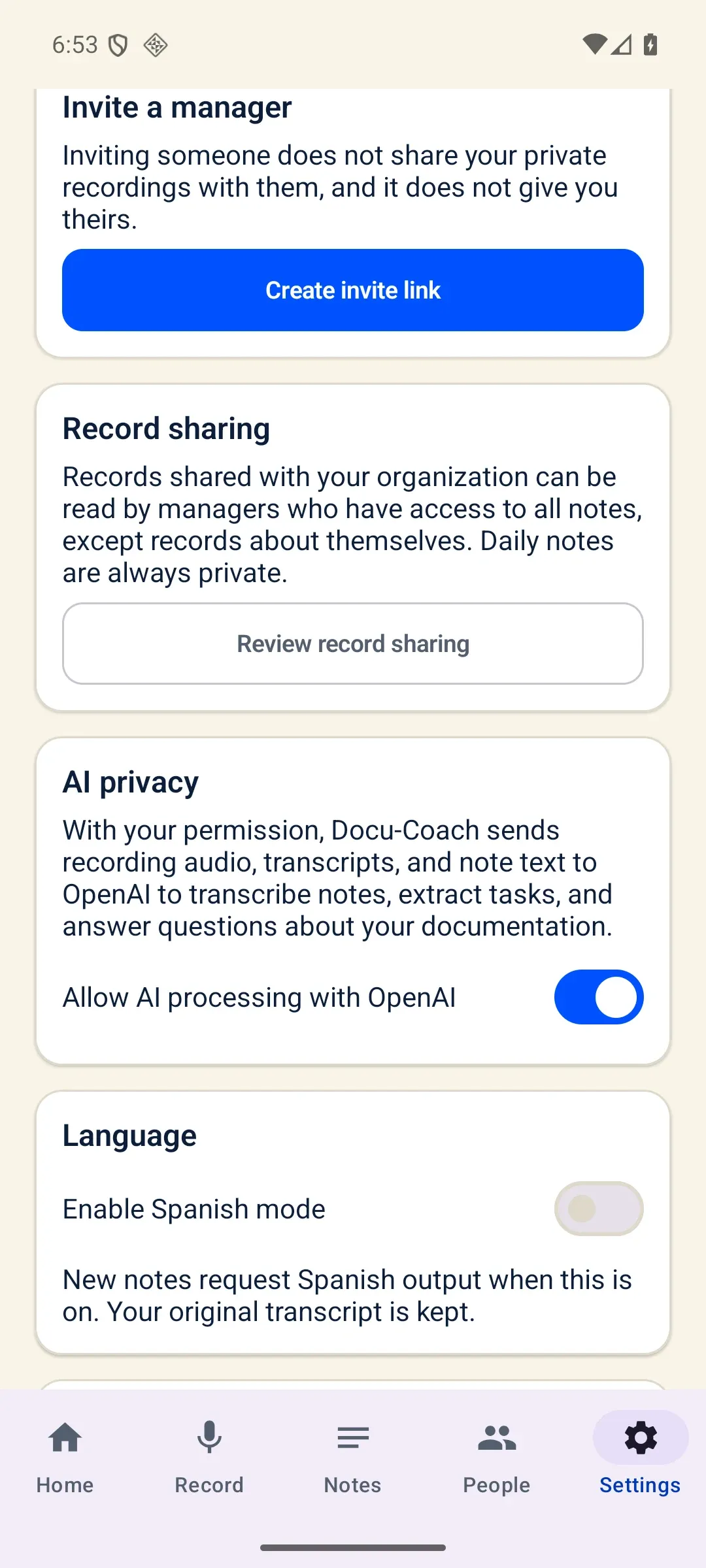
- Settings & AI consent: Syncs per-account AI processing consent (
POST /api/mobile/ai-consent), supports Spanish mode for AI output language (es-US), and links to/admin/sharingfor Record sharing.
Current testing limitations & known gaps
Section titled “Current testing limitations & known gaps”In the current testing build of the native Android app:
- Automatic silence stop is not yet ported; you tap Stop manually to finish a recording.
- Spanish mode sets the AI output language to
es-US, while most app interface chrome remains in English. - Ask Docu-Coach displays statement text and does not yet render interactive citation sheets or coverage counts on Android.
- Record sharing opens the web
/admin/sharingpage rather than a native sharing screen.